

The short answer: an AI-generated page can be a useful starting point, but a working business website needs more than a convincing design. Test the customer journey, keep control of your accounts and know who will maintain it. Some projects are ready for small fixes; others need a more careful rebuild.
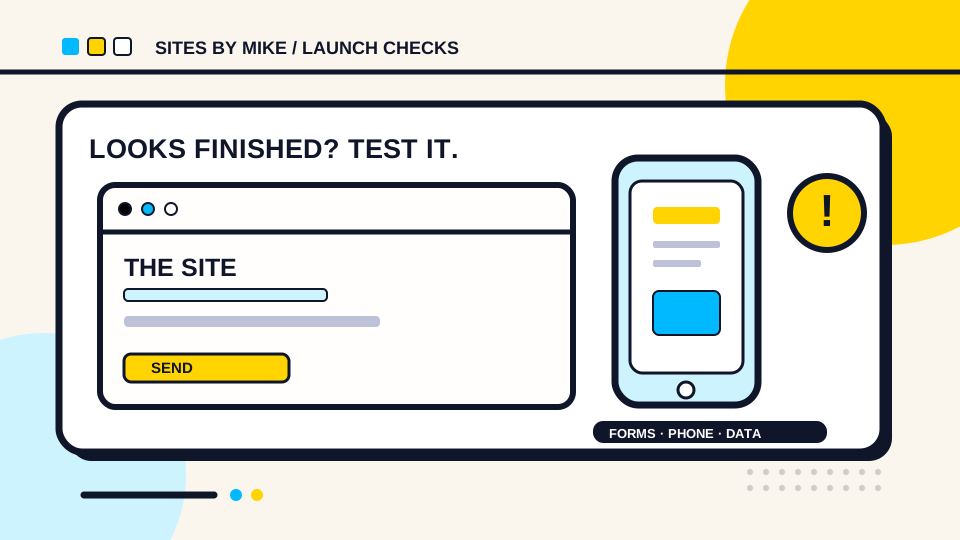
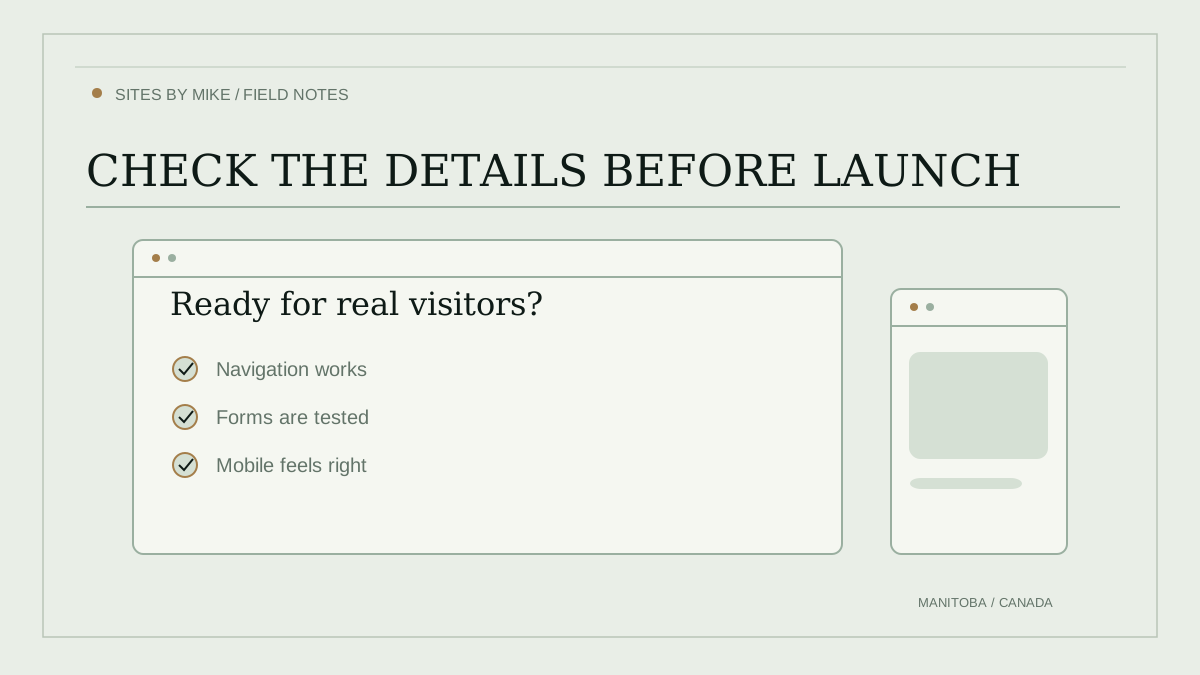
First, what did the tool actually make?
A picture of a page, a clickable prototype, an exported set of files and a fully hosted website are different things. Find out whether your site has a real domainYour website's address, such as sitesbymike.ca. You register and renew it separately from building the site., a place to receive messages, working data storage if it needs any, and accounts you control. Ask how you will move or update it later.
There is nothing wrong with using AI to draft the layout or code. The important question is whether the finished result does what customers expect, without losing their messages, payments or data.
An example: the contact form that looks finished
Illustrative test, not a customer project
Here is the deliberately unfinished sample I describe below. Press Send (demo) to see how easily a website can display a convincing success message without delivering anything. The fields use fictional details, and nothing is sent, stored or emailed.
Sample contact form
Demo onlyFictional details are filled in for you. You cannot enter your own information, and clicking Send will not contact anyone.
What this teaches: a success message is not proof the business received your enquiry. On a real website, the receiving service must confirm it accepted the message before success is shown.
To check a real website, send a clearly labelled test enquiry yourself, confirm it reaches the receiving system, and check that errors appear if sending fails. The website should only announce success after the receiving service actually accepts the submission. This example demonstrates one possible mistake; it is not evidence that every AI-generated form is broken.
Six checks before your business goes live
Own the website and domain
Can you reach the domain registrar, hosting account and site files?
Keep your own account access, a copy of the site and instructions for changing the domain. Know whether your tool exports usable files or needs a continuing subscription.
Verify every contact form
Does a real test enquiry arrive where it should?
Submit a test through the public site. Check the receiving system, expected notification and reply process. A green success message alone is not proof that anybody received it.
Test a real phone and keyboard
Can somebody navigate, read and finish the important tasks?
Try a small phone screen and a desktop, zoom in, use the Tab key and check form labels and error messages. Do not assume a nice screenshot means the site is usable.
Check payments and private information
Are checkout, account access and customer data handled safely?
Never publish private service keys or passwords in website code. Use a properly supported payment service, and have qualified help check unusual customer-data or account features.
Check whether search engines can read it
Are important pages public, linked and available as real text?
Check page titles, a useful description, a preferred URL, internal links and a sitemap. Confirm pages are not blocked from indexing; then inspect their status in Google Search Console.
Plan for the day after launch
Who owns updates, costs, backups and recovery?
Write down recurring provider bills, how to edit the site, where a backup lives and how to get help. A working first day is not a maintenance plan.
Is fixing it enough, or should you rebuild?
If you can control the files and domain, the site loads reliably, and only a few clearly defined features are unfinished, finishing the existing work may be sensible. If nobody can explain the accounts, checkout or data handling, or key features never worked, a scoped rebuild might be safer than paying for patch after patch.
You do not automatically need to throw away a design you like. Save the copy, photos and branding you have permission to use, then compare the actual work needed. Avoid putting passwords, private customer records or secret account keys into a public AI chat or an unsecured contact form while seeking help.
What about Google and AI search?
A published URL is not a promise that Google has indexed it. The term indexingWhen a search engine adds a page to the collection it can consider showing in search results. means Google has added a page to the collection it may show in search. Google still needs to be able to access a successful page with useful content, and it may still decide not to include it in search. Use Search Console to investigate your actual pages. You do not need a special “AI SEO” file to make an AI-built site eligible for Google Search.
A few trustworthy places to check
- Google Search technical requirements — what Google needs before a page can be eligible for indexing.
- Google guidance for AI search features — ordinary SEOSearch engine optimization: improving your website's content and setup so search engines can understand it and people can find it. fundamentals still apply.
- W3C guidance on forms and validation — form labels, helpful errors and checking information securely.
Want help finishing what you already started?
Start with website redesigns and custom features to see the kinds of work I handle. For a project that needs investigation, describe what is unfinished and share the public website address if you have one. Do not send passwords or account secrets. A review, repair or rebuild needs an agreed scope, not a promised fixed rescue price.
You might also want the guide to website hosting and maintenance or the Manitoba website cost breakdown.